1
Swipe the handle
A slim handle sits on the left or right edge of the screen, over every app. One swipe toward the center opens your notes drawer.
Android · Notes over any app
A slim handle lives on the edge of your screen. Swipe it over any app and your notes are right there — write a thought, tick a task, set a reminder — then get straight back to what you were doing.
Free · No ads · No account · Works offline
How it works
Side Notes lives on top of whatever you are doing, so a thought never has to wait.
A slim handle sits on the left or right edge of the screen, over every app. One swipe toward the center opens your notes drawer.
Write a note, tick off tasks, or open the one you pinned. Colours, search and sorting keep everything easy to find again.
Swipe the drawer away and you are exactly where you left off. Need the note to stay on screen? Float it over anything.
Floating notes
Float a note over any app: drag it wherever you want, resize it from the corner, minimize it to its title bar, or close it with the X. It stays in your list too — tap its title to open it in the drawer and edit it.
Features
Built for the moment an idea shows up — and for finding it again later.
The handle opens your notes over maps, chats, games — anything. Your place in the other app is never lost.
Turn a note into a checklist: check tasks off, reorder them, delete them. The progress counter keeps score.
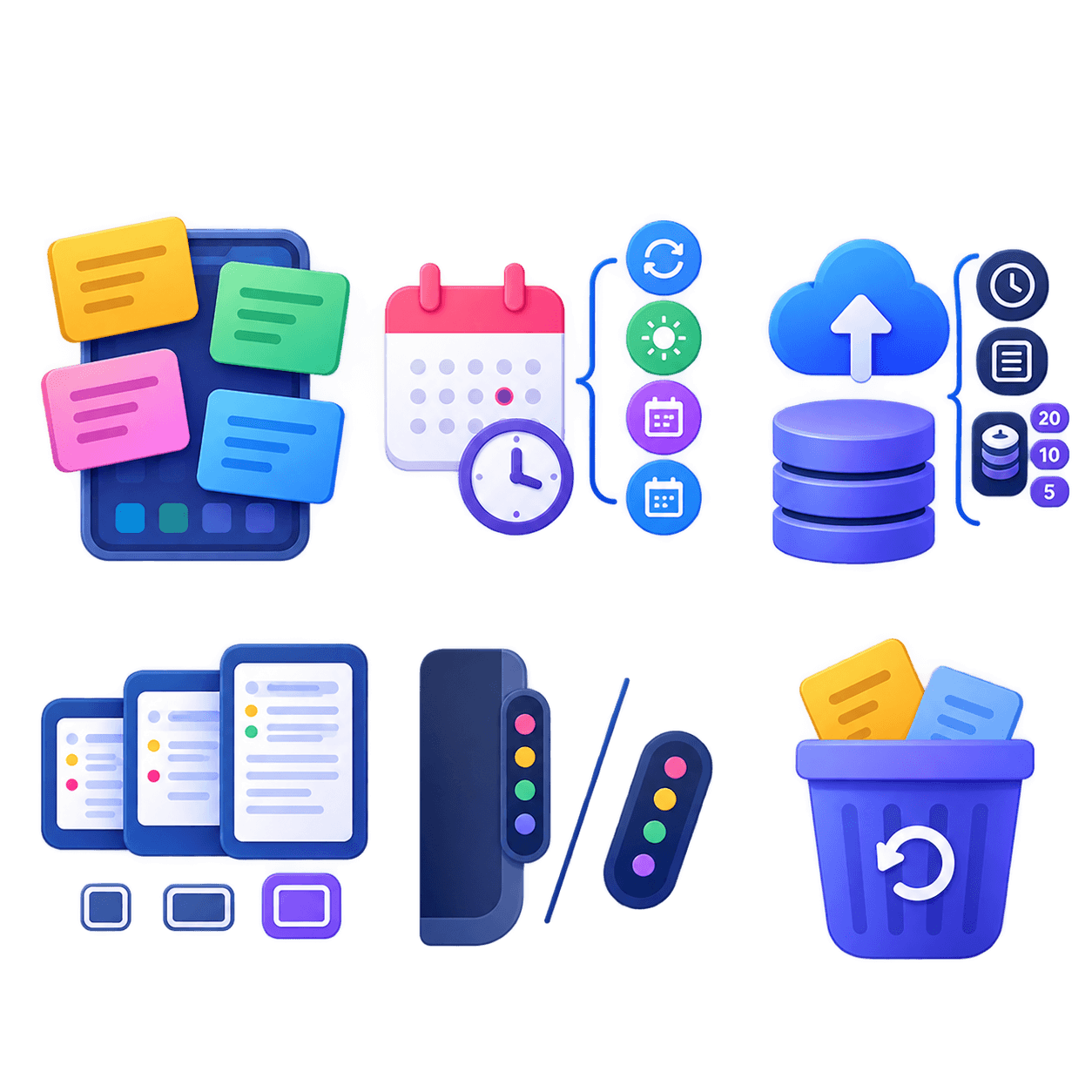
Set a time and a notification brings the note back to you. Premium repeats it daily, on weekdays, weekly or monthly.
Swipe a card for its actions: pin it on top, give it a colour, or archive it to set it aside. Sort by date or alphabetically.
Find any note by title or content without leaving the drawer. It filters as you type.
Send a note out as PDF, Markdown or plain text — and share text from other apps straight into a new note.
A master password hides protected notes and encrypts your backups. Notes never leave your device.
Every note keeps its last five earlier texts, and restoring one is undoable from the same list.
Deleted notes wait in the trash for 3 days before they are gone for good. Undo is one tap right after deleting.
Export and import a file whenever you like, or turn on automatic backup to a folder you choose — encrypted if you want.
Three themes, and a handle you can place, size and fade exactly how you like it.
Pick the font and text size per note, or set the defaults every new note starts with.
Privacy
Side Notes never sends your notes over the Internet or shares them with anyone. There is no account to create, nothing to sign in to, and no advertising — now or ever.
Side Notes Premium
Side Notes is free to use and contains no ads. Premium is a one-time purchase that unlocks extra features and helps keep a one-person project going.
Vote for the feature you would like to see next, right from the app. Your vote decides what gets built.
FAQ
Only on your device. Side Notes never sends your notes over the Internet or shares them with anyone.
It is the quick way into your notes. Swipe it towards the center of the screen to open the drawer from any app.
That permission keeps the bar always visible on the edge of the screen, over any app, so you can reach your notes without leaving what you are doing.
Open a note and tap the float button to keep it on screen over other apps. Drag it anywhere, resize it from its corner, minimize it to its title bar or close it with the X. While it floats it stays in the list, and tapping its title opens it in the drawer so you can edit it. The free version floats one note at a time; Premium floats as many as you like.
Yes. Open a note and switch it to the task list type, then add your tasks. You can check them off, reorder them and delete them.
First set a master password in Settings, under Security. Then choose Protect note on the note: its content stays hidden until you enter the password.
In Settings, under Data, you can export your notes to a file or turn on automatic backup to save copies as often as you like.
Right after deleting one you get a few seconds to tap Undo, and for 3 days it waits in the trash. You can also import an earlier backup.
For your safety it is not stored anywhere, so it cannot be recovered. Protected notes and encrypted backups will stay locked, but the rest of your notes is untouched.
Install Side Notes and keep your next idea one swipe away.
Get it on Google Play